Mobile control
Phone and tablet control panels for scene switching, live actions, preview monitoring, camera controls, and Streamer.bot triggers.
Your #1 Streaming Companion
Streamer.max is a modular creator command center built to consolidate streaming problems into one place: mobile controls, Streamer.bot automation, live camera tools, custom overlays, alerts, preview monitoring, Crosspost Wizard workflows, and creator utilities that help you take your stream to the max.
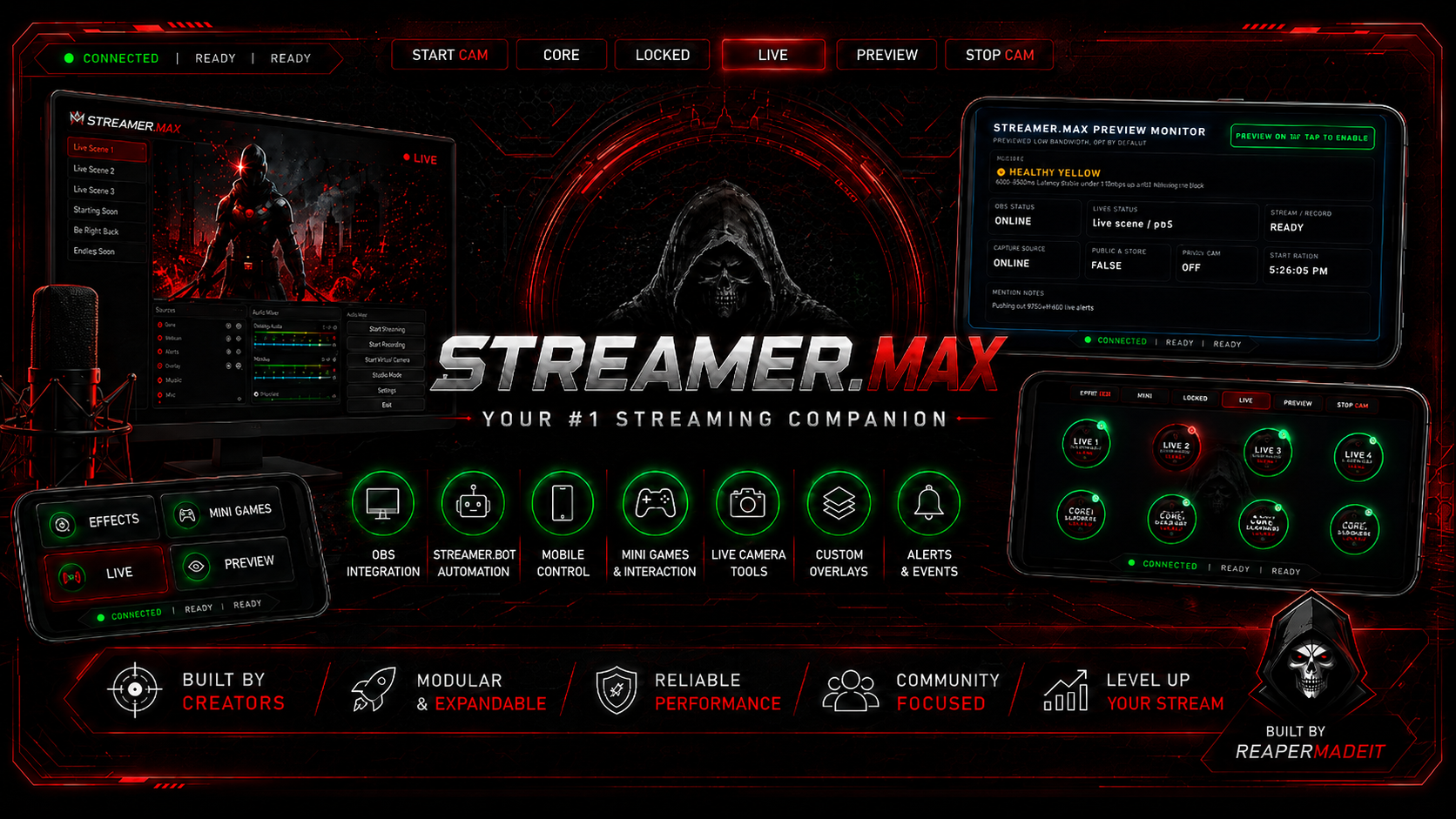
Streamer.max is designed around one goal: save creators time and give them clean, easy-to-use streaming tools without turning setup into a mess.
Phone and tablet control panels for scene switching, live actions, preview monitoring, camera controls, and Streamer.bot triggers.
Built around Streamer.bot workflows for creators who want custom alerts, actions, overlays, minigames, and event-driven stream control.
Local camera tools, OBS browser-source overlays, status panels, custom borders, and future modular overlay themes.
Streamer.max Crosspost Wizard helps creators prepare approved videos for TikTok drafts from their own content. It is built around approval, control, and time saved.
The creator scans or adds content, previews it, reviews the caption, and manually approves the video before any upload step happens.
The planned official TikTok integration is draft upload first, so the creator can finish review and posting inside TikTok before anything goes live.
The tool is intended for creators preparing their own videos or content they have permission to repost.
Two ready-to-play HTML demo videos are included on the site: the main Streamer.max companion walkthrough and the Crosspost Wizard product walkthrough.
Streamer.max
Shows the mobile control dashboard, stream effects, mini games, live scene controls, status indicators, camera tools, and creator workflow value.
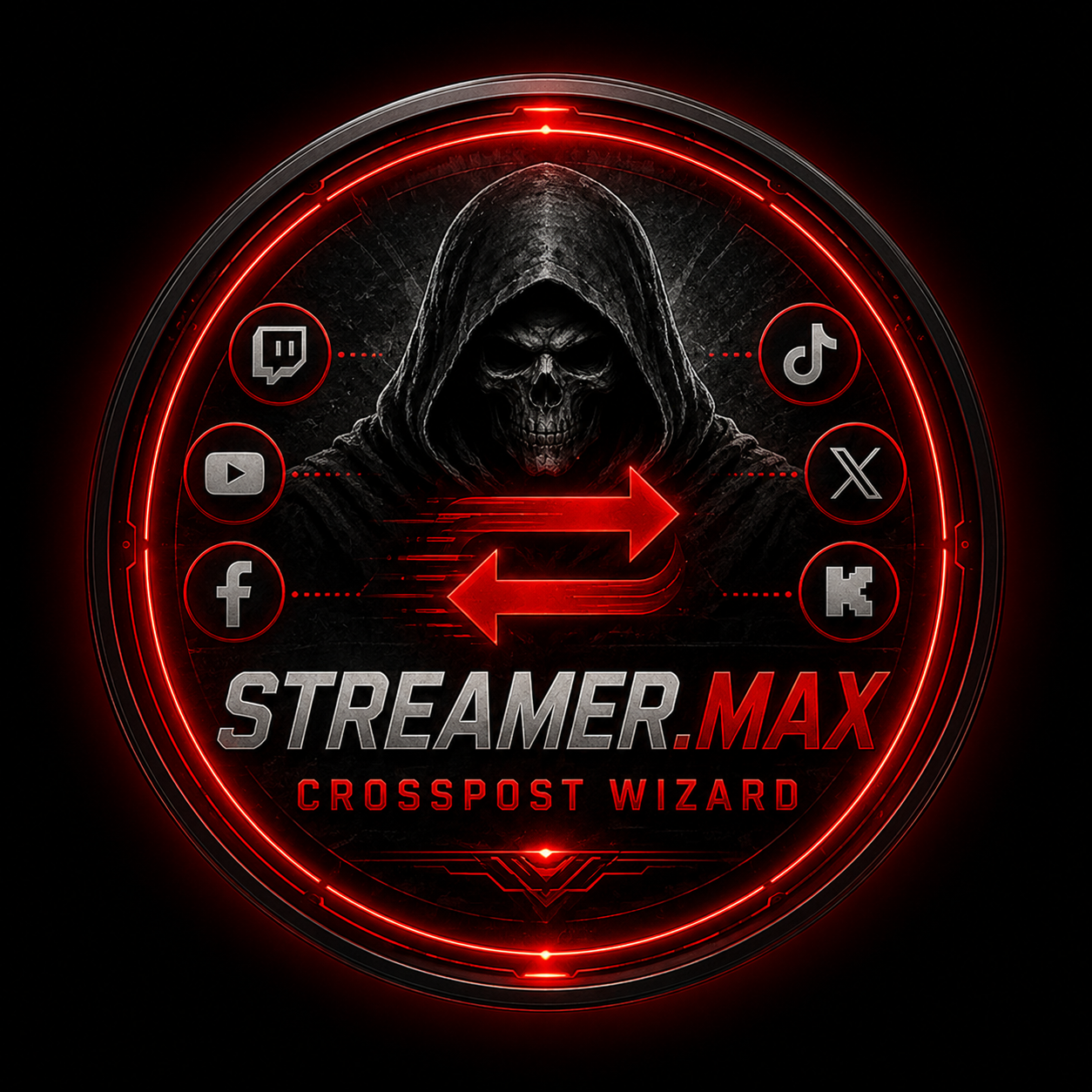 Crosspost Wizard
Shows Shorts scanning, URL visual scan, approval-first cards, long-form clip queue, ReadyToPost captions, and platform upload helper buttons.
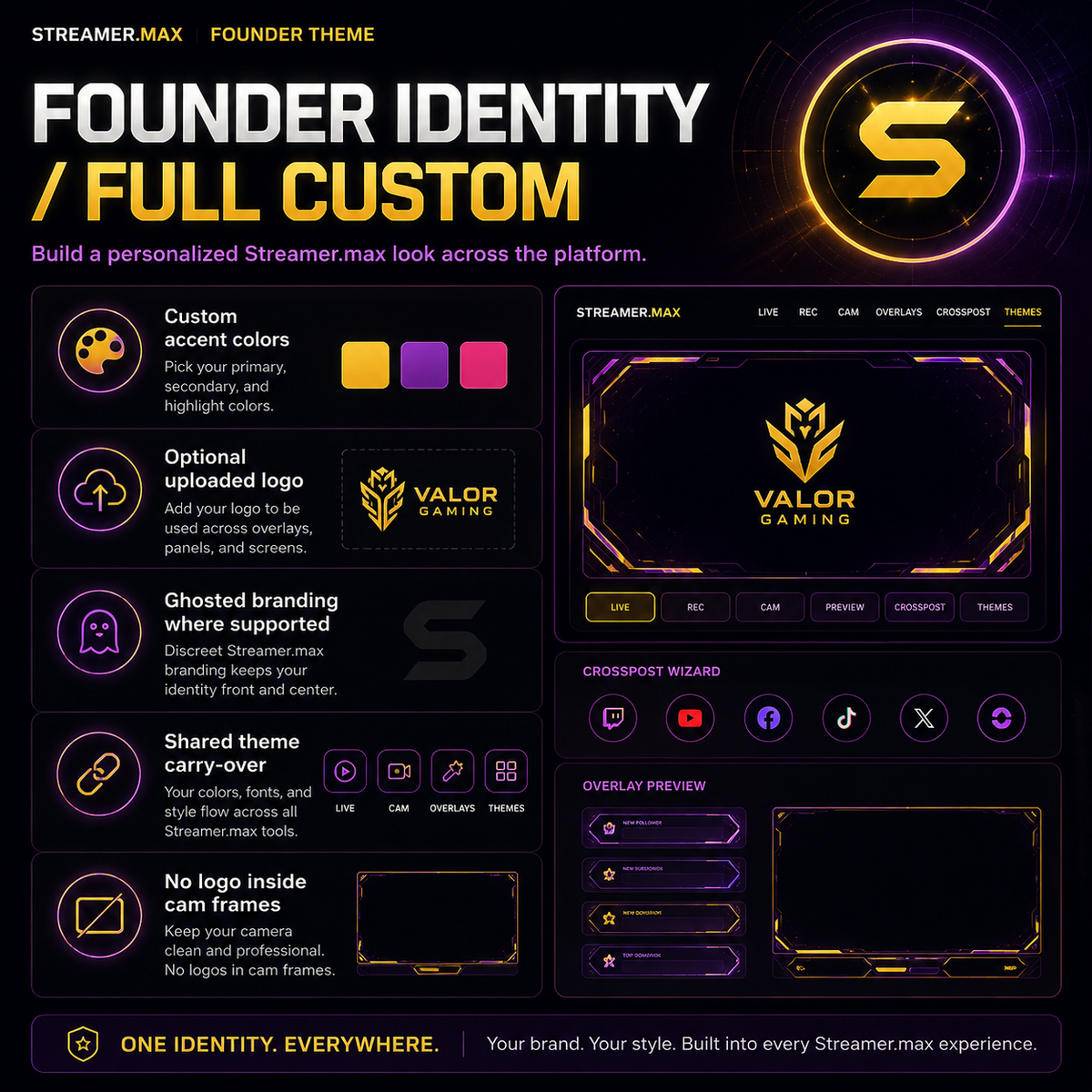
Preview the Founder layout direction with cleaned-up dark neon promo images. The goal is one platform-wide look that carries from Streamer.max into Crosspost Wizard while camera frames stay clean and premium.
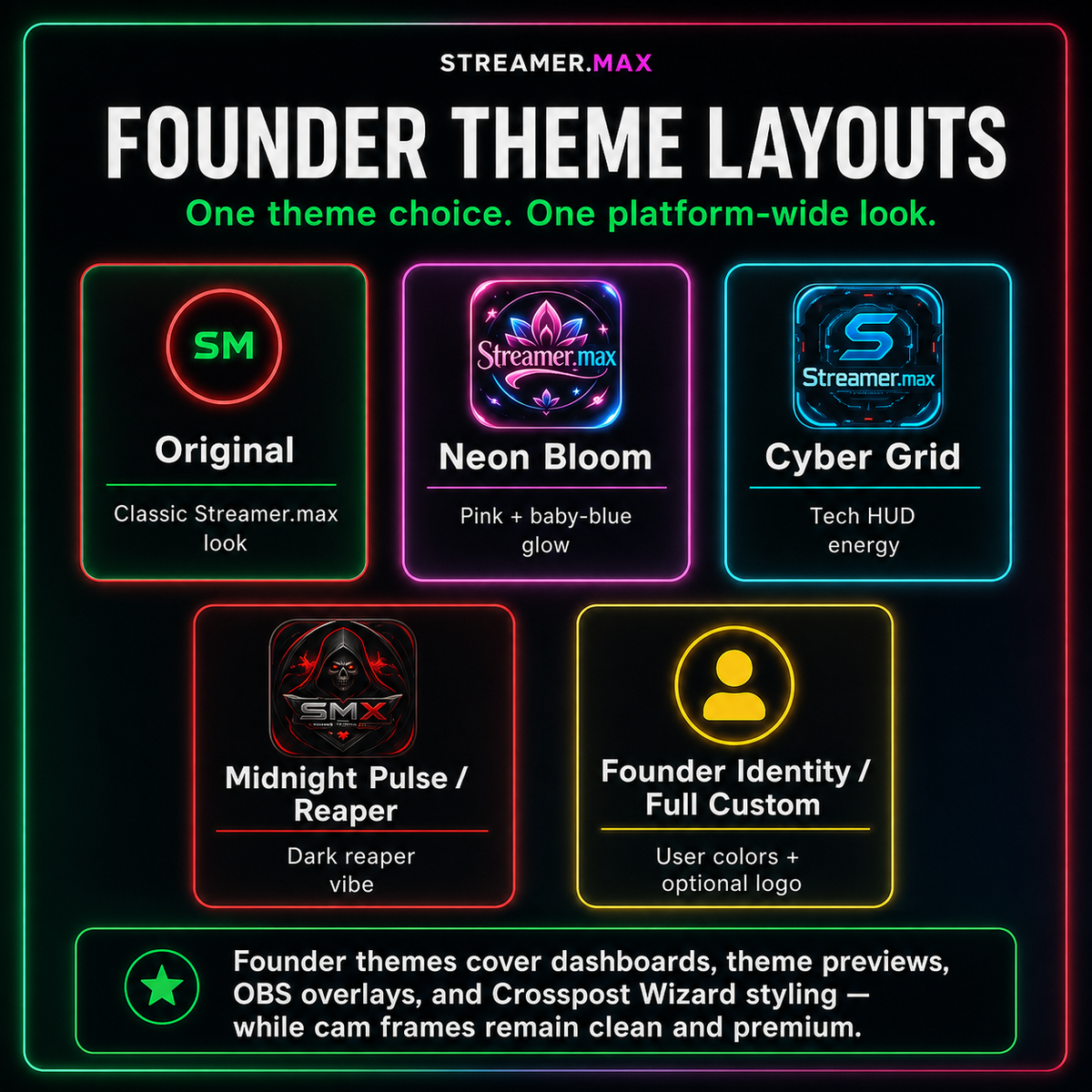
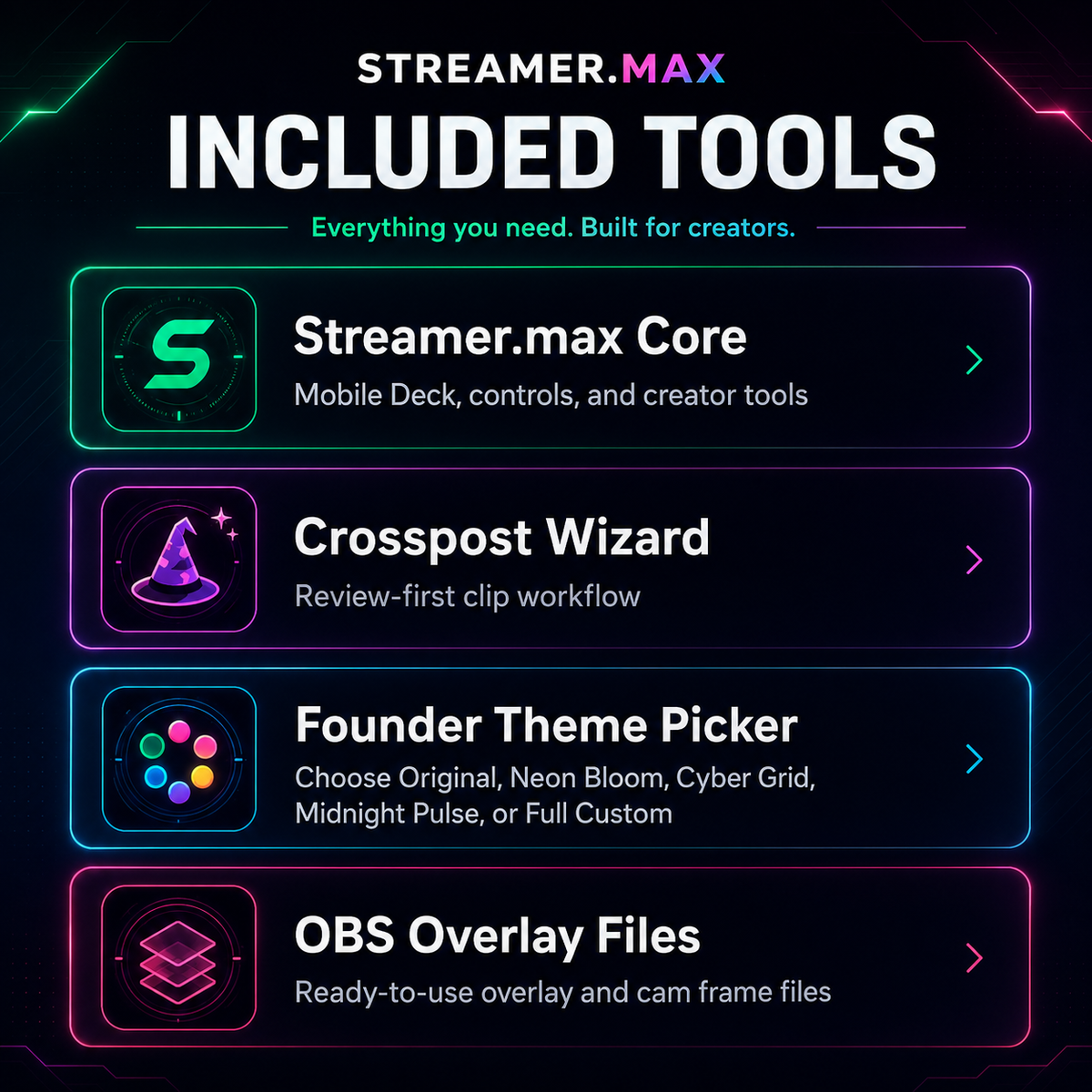
Official links for the programs and helper tools used with Streamer.max Core and Crosspost Wizard. This keeps new users away from random mirror downloads and points them to the right setup resources.
Install OBS Studio for scenes/browser sources, Streamer.bot for actions and automation, and Python for local Streamer.max services.
Crosspost Wizard uses helper tools for metadata, visual scanning, selected clip cutting, and approved download/export workflows.
Quick links for YouTube Studio, TikTok, Facebook Reels, Instagram, and X/Twitter manual upload-helper workflows.
Paid pricing is hidden for now. Streamer.max is running the tester option first so we can quality-control installs, license keys, themes, Crosspost Wizard, and real creator workflows before opening public sales.
Apply for exclusive full-access testing of the Founder Bundle. Approved testers may receive a temporary tester key, test unstable builds, and give honest feedback.
Join the list for launch updates, possible presale news, early supporter info, and future pricing announcements. No payment is collected yet.
A safe private/unlisted training simulator idea for mock chat pressure, alerts, trolls, spam waves, and high-pace stream testing. Not bot farming or fake engagement.
For support, review questions, developer contact, or product information, email streamerdotmax@gmail.com.